Make limited equipment useful
Choose the equipment you can actually use, from a few dumbbells to machines or bodyweight alone.
An unfamiliar hotel gym or no equipment at all. Build a practical session around what is available, how much time you have, and the muscles you want to train.
Create my workoutAccount and active membership required. Review your workout before starting a saved session.
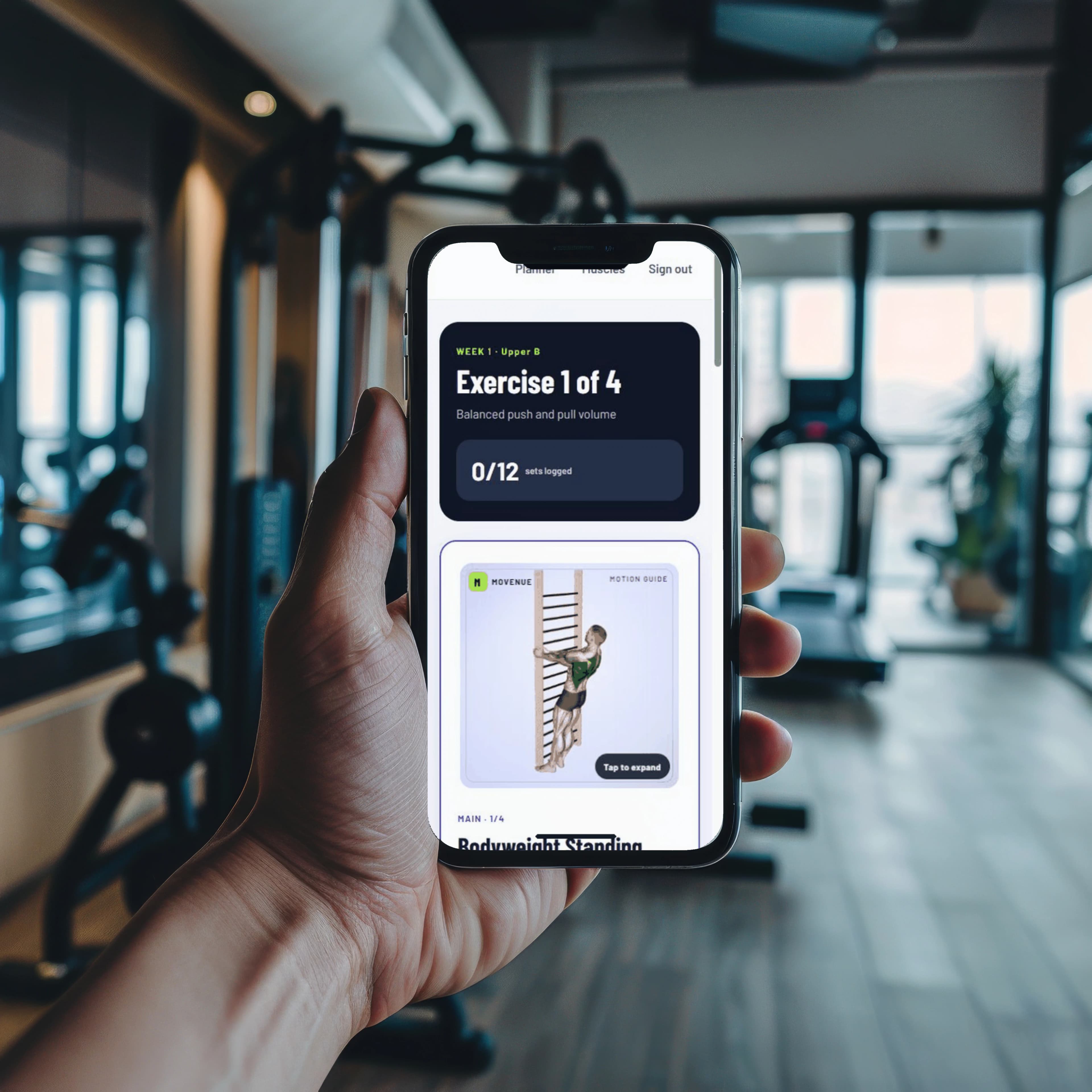
Choose what works for today, review the workout, and follow one set at a time.
Choose the equipment you can actually use, from a few dumbbells to machines or bodyweight alone.
Know the exercises, sets, reps, and rest before you start. Written cues and movement guides help you follow along.
Add an optional equipment photo in your workout setup, then review the detected list before building a workout.
 YOUR WORKOUT, MADE SIMPLE

Choose. Review. Work out.
Check the equipment you can safely use. You can start with bodyweight when there is no gym.
Choose your muscles and a realistic session length in the workout setup.
Review your workout before starting it. Your session is saved when you start, and you can log each set as you go.
Choose your muscles, photograph the equipment, then check and edit the detected list before planning. You stay in control of what goes into your session.
Create my workout Choose equipment manually or add a photo in the same setup. Equipment detection can make mistakes; review the list before training.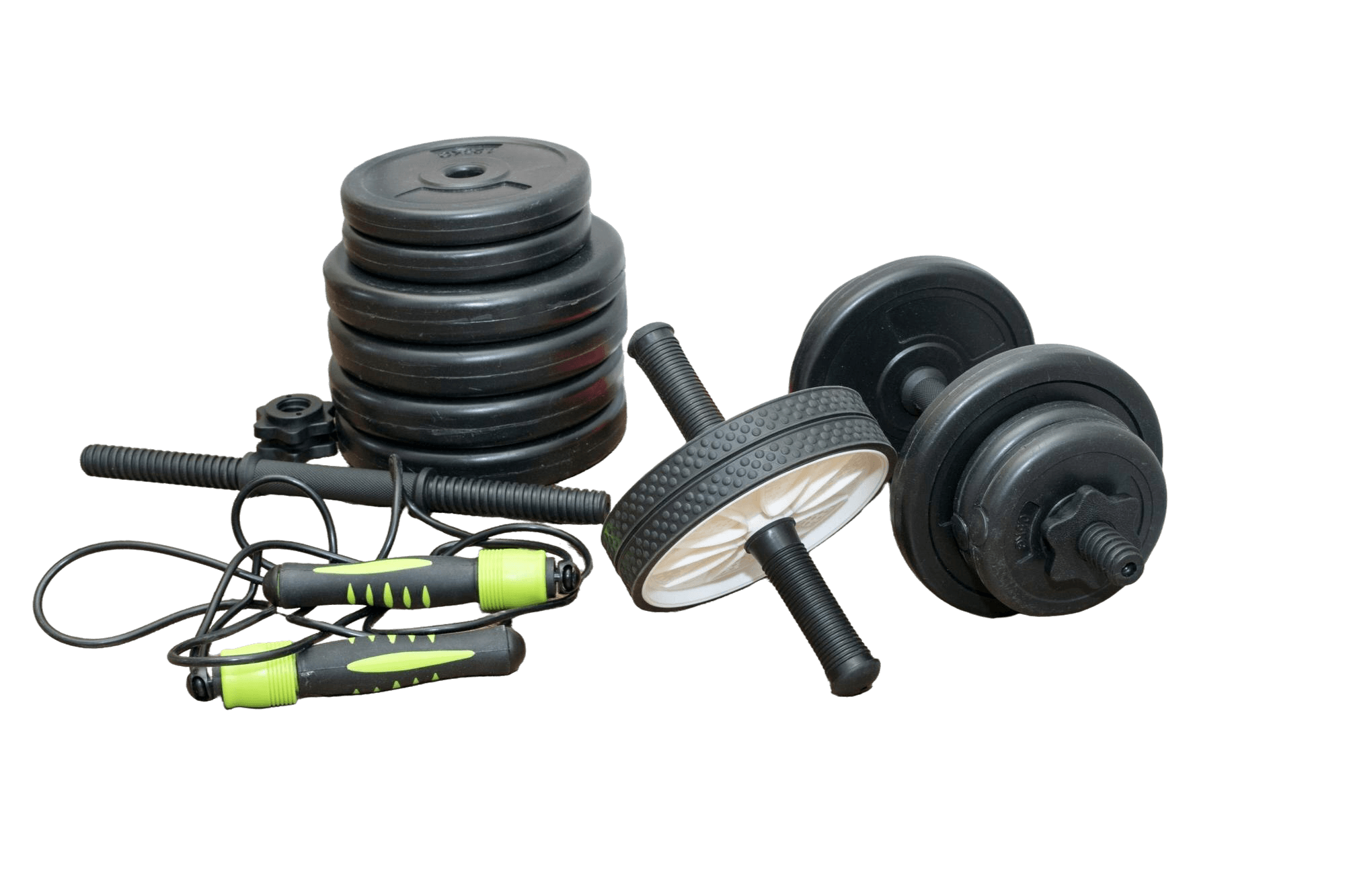
With an active membership, choose your muscles and time, then add an equipment photo in the same workout setup. Review or correct the detected items before building your workout. You can always choose equipment manually.
Create an account and start a membership. Choose your muscles, time, and equipment, review the workout, then start a saved session. Pricing, renewal timing, and any available offers appear before purchase.
No. Camera features are optional. The private form companion analyzes frames in your browser without uploading video. Equipment recognition processes your photo only when you request it, and you review the detected list in the same workout setup.
Yes. Open Settings in your member account, then Manage billing. Cancel through the billing portal; access continues through the current paid period.
Account and active membership required. Review your workout before starting a saved session.
General fitness guidance. Choose movements and resistance appropriate for you; stop if you feel pain or unwell.